- ETA
- 16:40
- Done
- 62%
- Proof
- On drop
- Pickup, Mombasa Road warehouse06:10 signed
- Drop 1, Voi branch12:55 signed
- Drop 2, Mombasa DCETA 16:40
Delta Δ
Your team logs in to Delta Δ and sees every order as it moves: live tracking, the vehicles carrying your stock, and the stock itself.
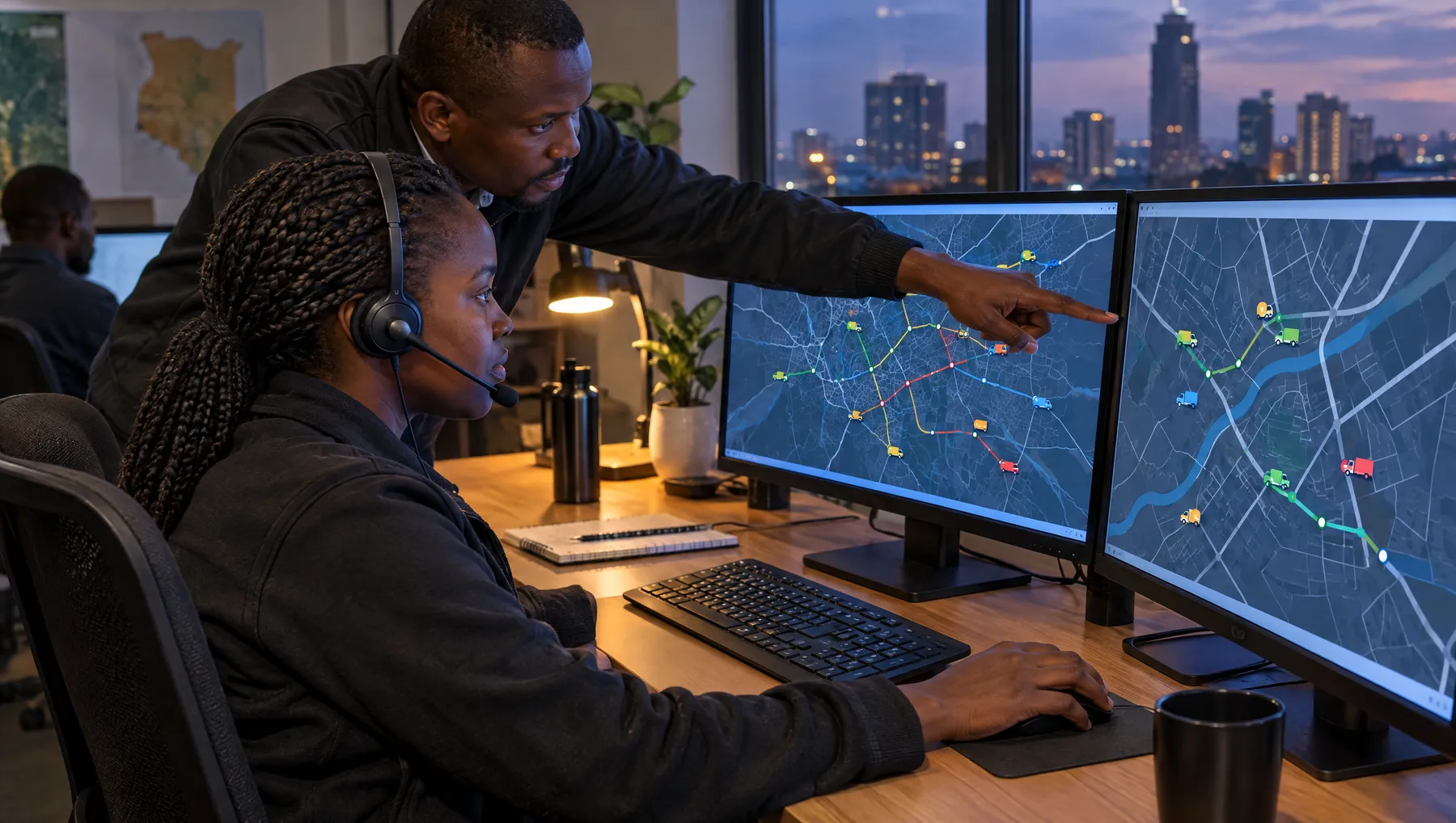
Sample data for illustration.
Orders come in from your team, a CSV or the API. We dispatch them, you follow every vehicle live, and every drop-off is confirmed and logged.
ExploreEvery truck, van and rider on the UrbnBox network sits in one system: where it is, who is driving, whether its papers are current and, for reefers, what temperature the load is at.
ExploreSee stock by SKU across the warehouses we run for you, set reorder points per branch, and let a low-stock alert create the replenishment run.
ExploreSend orders from the systems your team already uses. Each option is documented, with examples.
API
Send orders from your own systems and follow each one from confirmation to delivery.
Read the guideBulk
Fill in the template and upload it. Every row is validated, with a row-by-row result.
Read the guideEvents
Get a notification when an order or shipment changes state.
Read the guideYes. The API lets your systems create delivery orders and follow their status, and receive webhook notifications as they move. The documentation is at urbnbox.mintlify.app.
Delta Δ is built around the jobs we run for you. Tell us your setup and we will tell you what fits.
Tell us what you move and the systems you use. We set up access for your team and walk you through it.